
Chương 4: Dự Án TeamFlow — Kiến Trúc & Khởi Tạo
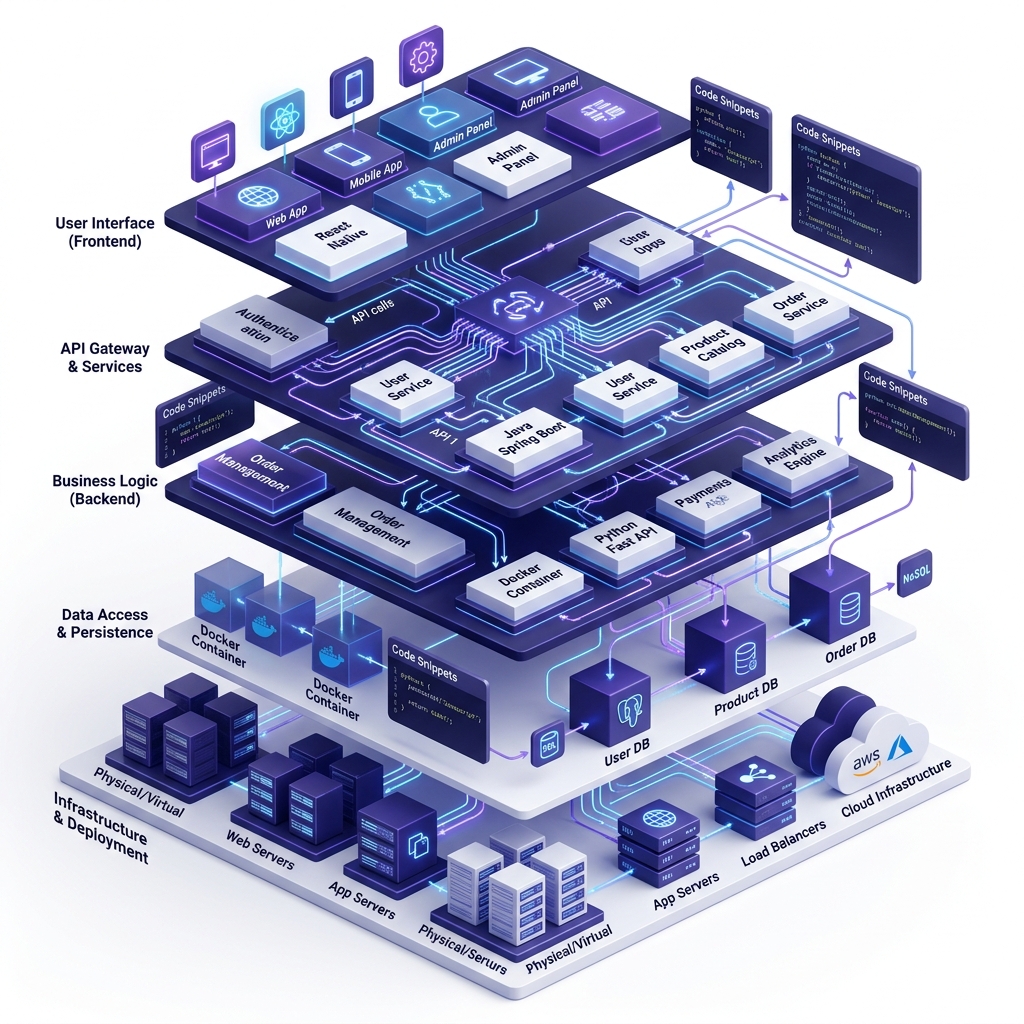
"Lan vẽ architecture diagram lên whiteboard. Đức gật gù: 'Cấu trúc rõ ràng, tôi biết code ở đâu.' Tuấn hỏi: 'Sao anh không để AI tạo scaffold luôn?' Đức cười: 'Đúng, nhưng mình phải HIỂU nó trước.'"
🎯 Mục tiêu
- Scaffold TeamFlow project hoàn chỉnh
- Express + TypeScript + Supabase client architecture
- Git workflow cho team (branching strategy)
- AGENTS.md & project conventions
Phần 1: Architecture Overview (20 phút)
System Architecture
                    ┌──────────────┐
                    │   Browser    │
                    │ (Vanilla TS) │
                    └──────┬───────┘
                           │ HTTP / WS
                    ┌──────┴───────┐
                    │   Express    │
                    │  (Node.js)   │
                    ├──────────────┤
                    │  Routes      │ ← /api/projects, /api/tasks
                    │  Middleware   │ ← auth, validation, rate-limit
                    │  Models       │ ← business logic
                    │  Services     │ ← analytics, notifications
                    └──────┬───────┘
                           │ supabase-js
              ┌────────────┼────────────┐
              │            │            │
        ┌─────┴─────┐ ┌───┴────┐ ┌────┴─────┐
        │ PostgreSQL │ │  Auth  │ │ Storage  │
        │ (Database) │ │ (JWT)  │ │ (Files)  │
        └───────────┘ └────────┘ └──────────┘
                    Supabase Platform
Folder Structure
teamflow-app/
├── src/
│   ├── server.ts            ← Express entry point
│   ├── lib/
│   │   └── supabase.ts      ← Supabase client singleton
│   ├── middleware/
│   │   ├── auth.ts           ← JWT verification
│   │   ├── validate.ts       ← Zod validation
│   │   └── errorHandler.ts   ← Global error handler
│   ├── routes/
│   │   ├── auth.ts           ← /api/auth/*
│   │   ├── projects.ts       ← /api/projects/*
│   │   ├── tasks.ts          ← /api/tasks/*
│   │   └── health.ts         ← /api/health
│   ├── models/
│   │   ├── project.ts        ← Project business logic
│   │   ├── task.ts           ← Task business logic
│   │   └── user.ts           ← User business logic
│   └── services/
│       ├── analytics.ts      ← Dashboard stats
│       └── notifications.ts  ← In-app notifications
├── public/
│   ├── index.html            ← SPA entry
│   └── static/
│       ├── css/style.css     ← Design system
│       ├── js/app.js         ← Frontend logic
│       └── i18n/
│           ├── en.json       ← English
│           └── vi.json       ← Vietnamese
├── test/
│   ├── auth.test.ts
│   ├── projects.test.ts
│   └── tasks.test.ts
├── .env                      ← Supabase credentials
├── .env.example              ← Template (no secrets)
├── .gitignore
├── AGENTS.md                 ← AI agent manifest
├── package.json
├── tsconfig.json
└── vitest.config.ts
Phần 2: Project Scaffold (30 phút)
Lab: AI-Powered Scaffold
bash
mkdir teamflow-app && cd teamflow-app

antigravity "@cm-project-bootstrap Scaffold TeamFlow project:
- Express + TypeScript
- Supabase client (not Prisma)
- Vitest + Supertest for testing
- ESLint + Prettier
- Git init with .gitignore
- AGENTS.md manifest
- Health check endpoint at GET /api/health
- Static file serving from public/
- Environment: .env + .env.example"
Key Files
package.json:
json
{
  "name": "teamflow-app",
  "version": "1.0.0",
  "scripts": {
    "dev": "tsx watch src/server.ts",
    "build": "tsc",
    "start": "node dist/server.js",
    "test": "vitest run",
    "test:watch": "vitest",
    "test:gate": "npm test && echo '✅ All gates passed'"
  }
}
AGENTS.md:
markdown
# TeamFlow — AI Agent Manifest

## Project
- Name: TeamFlow
- Type: Full-stack web application
- Stack: Express + TypeScript + Supabase + Cloudflare

## Conventions
- TDD: Write tests BEFORE implementation
- Validation: Use Zod for all inputs
- Auth: Supabase Auth (JWT)
- API: RESTful, /api/ prefix
- Naming: camelCase (code), kebab-case (files)

## CodyMaster Skills
Primary: cm-tdd, cm-execution, cm-quality-gate
Secondary: cm-planning, cm-debugging, cm-safe-deploy
Phần 3: Git Workflow (20 phút)
Branching Strategy
main ─────────────────────────────────→ Production
  │
  ├── develop ────────────────────────→ Integration
  │     │
  │     ├── feature/auth ────→ merge → develop
  │     ├── feature/crud ────→ merge → develop
  │     ├── feature/kanban ──→ merge → develop
  │     └── fix/bug-001 ─────→ merge → develop
  │
  └── Release: develop → main (tagged)
Lab: Git Setup
bash
git init
git add .
git commit -m "chore: initial scaffold — TeamFlow MVP"

# Create develop branch
git checkout -b develop

# Create first feature branch
git checkout -b feature/health-check

# After coding health check...
git add . && git commit -m "feat: add health check endpoint"
git checkout develop && git merge feature/health-check
Phần 4: First Endpoint (20 phút)
Health Check
typescript
// src/routes/health.ts
import { Router } from 'express'
import { supabase } from '../lib/supabase'

const router = Router()

router.get('/health', async (req, res) => {
  try {
    const { data, error } = await supabase
      .from('profiles')
      .select('count')
      .limit(1)

    res.json({
      status: 'ok',
      timestamp: new Date().toISOString(),
      database: error ? 'disconnected' : 'connected',
      version: '1.0.0'
    })
  } catch (err) {
    res.status(500).json({ status: 'error', message: 'Health check failed' })
  }
})

export default router
Lab: Run & Verify
bash
npm run dev
curl http://localhost:3000/api/health
# → {"status":"ok","database":"connected","version":"1.0.0"}
Quiz
Q1: AGENTS.md dùng để làm gì?
- A) README cho con người
- B) Manifest cho AI agents biết context dự án ✅
- C) File config server
Q2: Tại sao dùng develop branch thay vì code trên main?
- A) Vì main không cho push
- B) Để có integration branch, main luôn stable ✅
- C) Vì GitHub bắt buộc
Homework
- [ ] Scaffold TeamFlow project
- [ ] Verify health check endpoint
- [ ] Commit to Git repository
- [ ] Push to GitHub (private repo)
Chương tiếp: Vibe Coding 101 — Từ Prompt Đến Code →